
Free tools.
For your next post.
Preview a post, split a thread, format LinkedIn text, or edit your media. Start with a tool, then continue your draft in OpenPost when you are ready to publish.
No account required. Media tools run on your device, with no watermark or paid download.
60 tools
Images
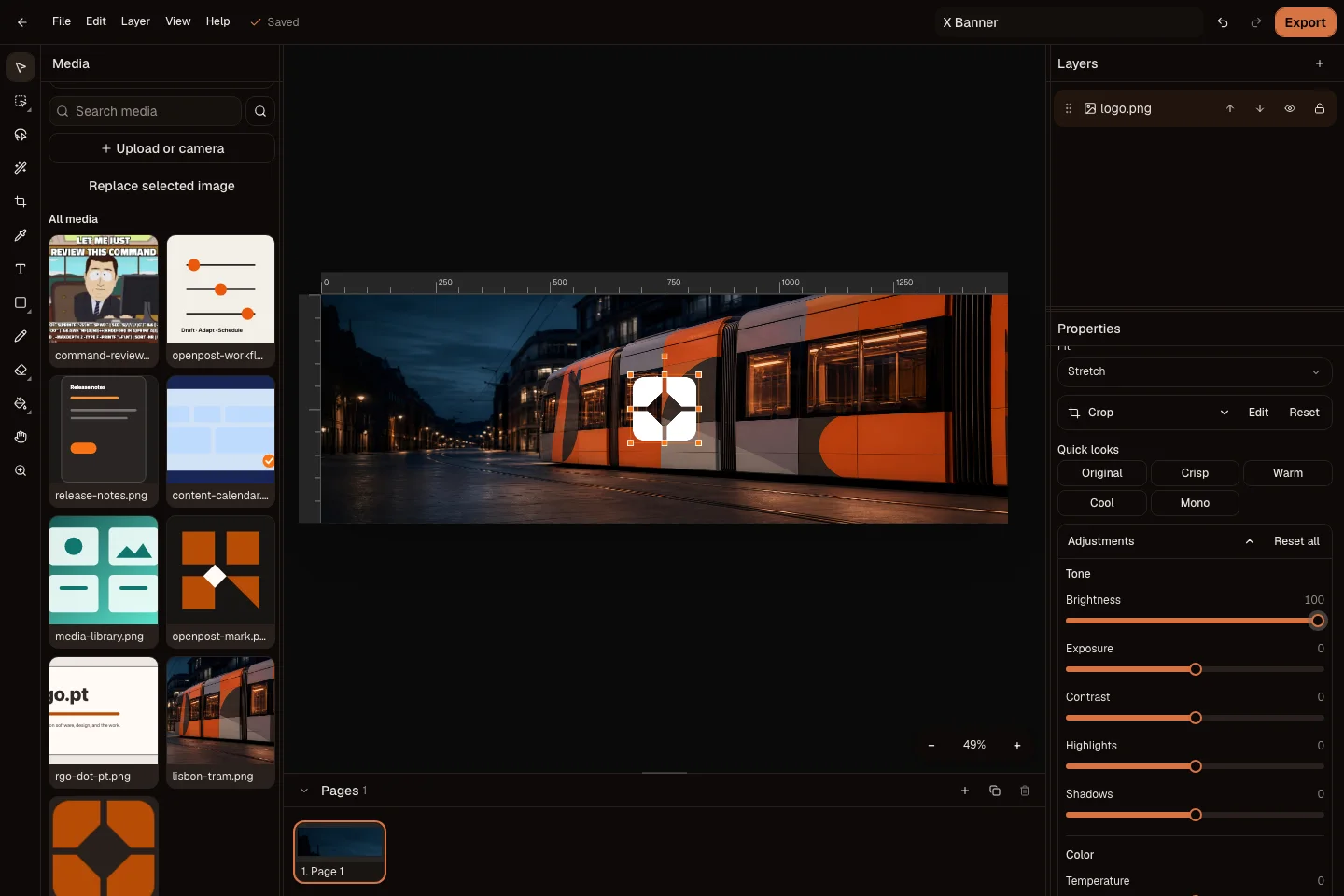
Social media image editor
Make a post, carousel, or thumbnail. Download it without a watermark.
Background remover
Erase the background and download a transparent PNG.

Image color picker
Pick a color, copy its code, or extract a palette.
Paste image to download
Paste an image from your clipboard and download it as a file.
Logo maker
Choose an icon and colors. Download your logo as PNG or SVG.
Video
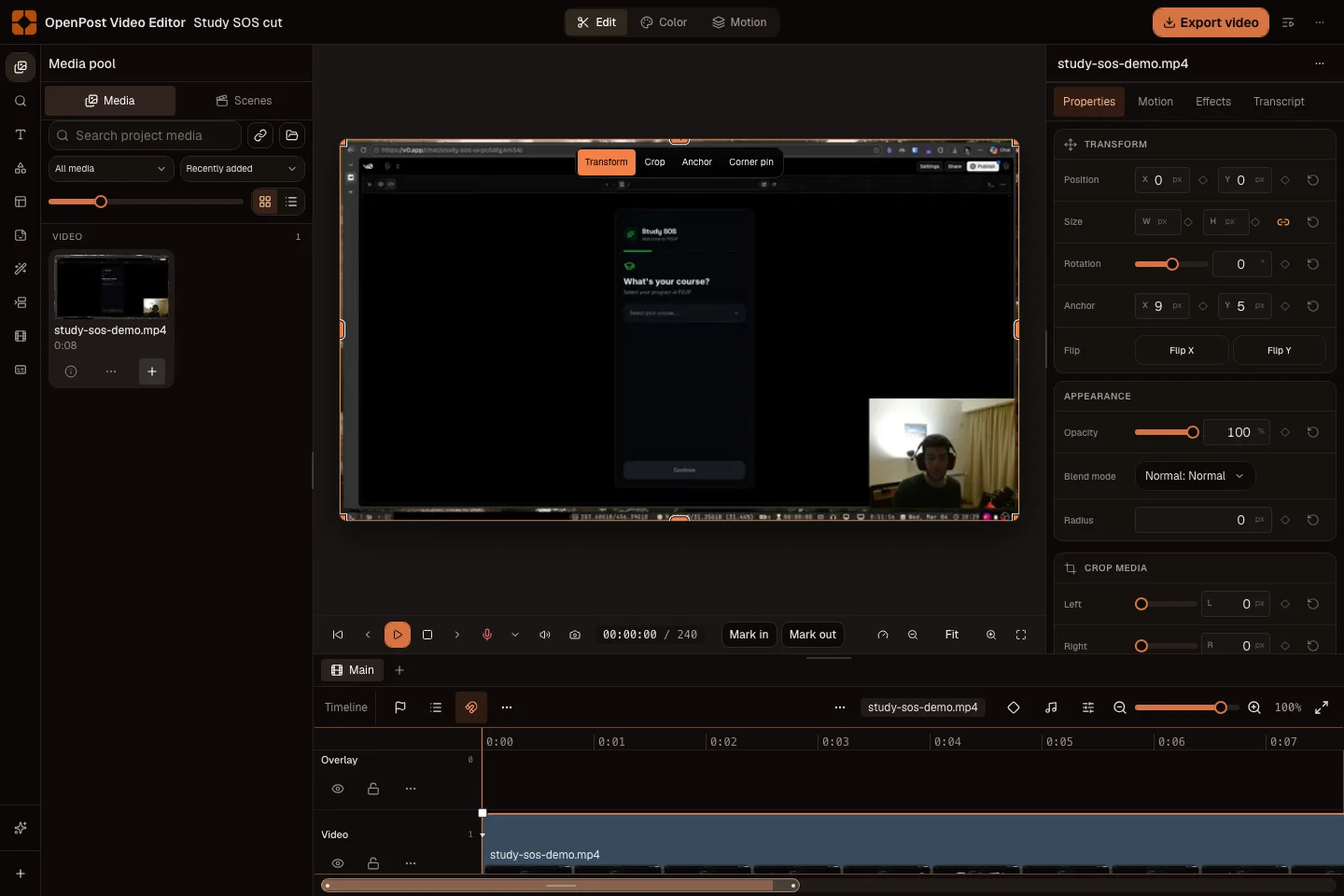
Social media video editor
Trim clips, add captions, and export a finished video without a watermark.
Quick Cut
Trim and join compatible video segments without re-encoding.
Video converter
Change video containers and codecs on your device.
MP4 to MKV
Move compatible MP4 tracks into a Matroska container.
MKV to MP4
Save the primary MKV tracks in an MP4 container.
MP4 to WebM
Convert a clip to WebM for web playback.
WebM to MP4
Save a WebM recording as MP4. Choose compatible codecs.
MOV to MP4
Convert a supported camera or editing file to MP4.
Video codec converter
Choose a video codec and bitrate supported by your device.
Video compressor
Reduce bitrate or resolution and compare the file size.
Remove audio from video
Remove the soundtrack and download a silent clip.
Video and audio file info
Check codecs, dimensions, duration and audio channels.
Audio
Audio converter
Change audio formats and choose output quality.
MP3 to WAV
Decode compressed audio to WAV for editing.
WAV to MP3
Make a smaller MP3 copy of uncompressed audio.
M4A to MP3
Convert supported M4A audio to MP3.
MP3 to M4A
Re-encode MP3 audio to AAC in an M4A file.
FLAC to MP3
Make a smaller MP3 delivery copy of lossless audio.
FLAC to WAV
Decode FLAC audio to uncompressed WAV.
Ogg to MP3
Convert Ogg audio for players that need MP3.
Extract audio from video
Save a video soundtrack as an audio file.
Previews
Post preview generator
Preview a post and its media on each selected social network before you schedule it.
X post preview
Check a short post, a reply thread, a quoted post, or a poll before sharing it.
Bluesky post preview
Check thread continuity, image descriptions, quoted posts, and link cards.
Mastodon post preview
Review a federated handle, content warning, poll, or thread. Server limits vary.
Pixelfed post preview
Review a photo caption and album in its feed context. Album limits vary by server.
PeerTube post preview
Review your video title, description, and player in a watch page.
Lemmy post preview
Check a community post title, body, image, and linked page.
PieFed post preview
Review the title and body of a community discussion with its image or link.
LinkedIn post preview
Review a professional post, multi-image layout, poll, or document card.
Threads post preview
Check conversational copy, replies, quoted posts, and photo carousels.
Instagram post preview
Review captions and media in a feed post, carousel, Story, or Reel.
Facebook post preview
Check page identity, post copy, photos, linked pages, Stories, and Reels.
YouTube post preview
Review a video title and watch page, or check a vertical Short.
TikTok post preview
Check vertical video overlays or the first impression of a photo carousel.
Pinterest post preview
Review a Pin image, title, description, and destination card.
Reddit post preview
Check a community post title, discussion text, image gallery, or poll.
Google Business post preview
Review a business update and image in a local business profile.
Discord post preview
Check a channel message, attachments, linked content, and a reply thread.
Telegram post preview
Review a channel message, its media album, and caption.
Image converters
Image converter
Convert PNG, JPEG, and WebP images at their original size.

PNG to JPEG
Change formats without resizing your image.
PNG to WebP
Change formats without resizing your image.
JPEG to PNG
Change formats without resizing your image.
JPEG to WebP
Change formats without resizing your image.
WebP to PNG
Change formats without resizing your image.
WebP to JPEG
Change formats without resizing your image.
Writing & planning
Social media character counter
Paste your post and check how it fits on each channel.
Thread splitter
Split long copy into a thread that fits the platform and is easy to review.
Social handle checker
Check a Bluesky or Mastodon handle before you share it.
LinkedIn text formatter
Tidy the spacing and style of your LinkedIn post.
Timezone posting planner
Turn your timezone and weekly plan into posting times you can reuse.
UTM link builder
Add campaign tags to a link, then copy the finished URL.
Extensions
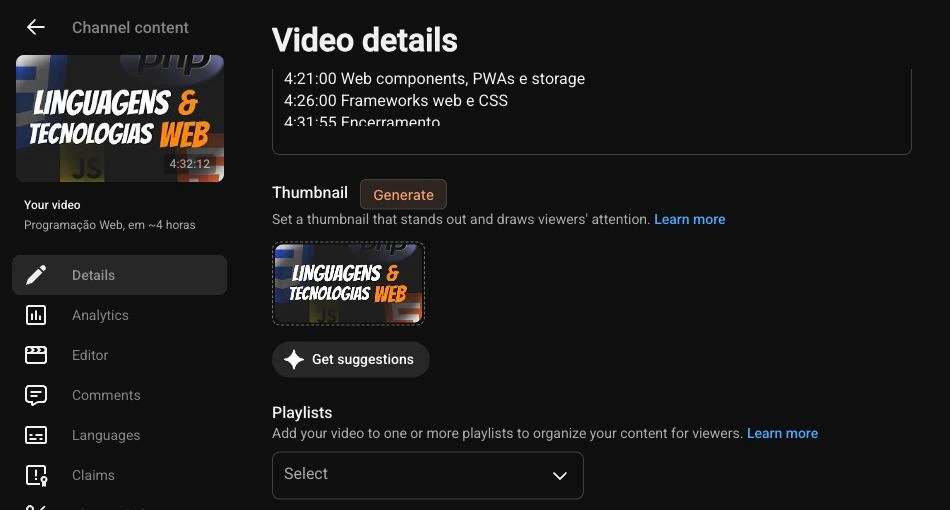
YouTube Localizer
Translate video titles, descriptions and thumbnails in YouTube Studio. Generate new thumbnails with your own reference images.
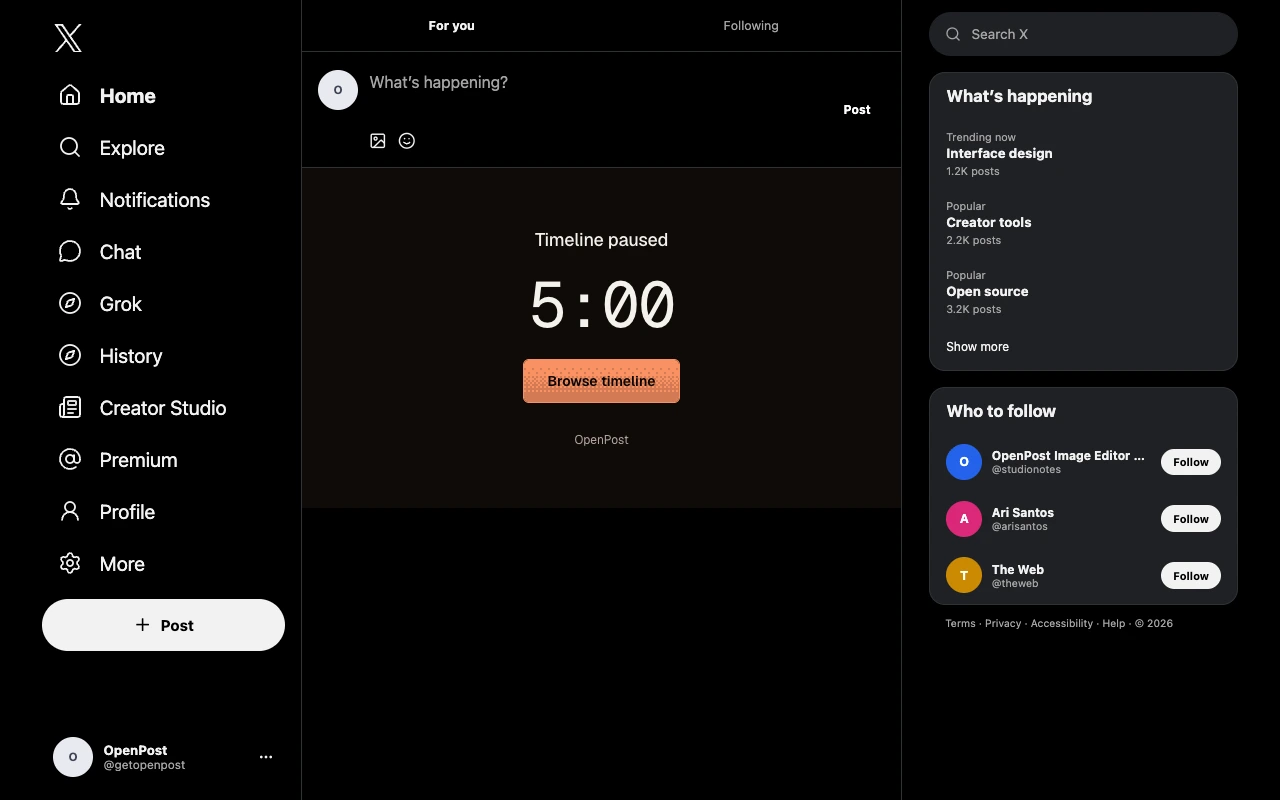
Feed Limiter
Pause feeds on X, YouTube, Instagram, TikTok, LinkedIn, Facebook, Reddit, Threads, Bluesky and Pinterest. Set site limits, a shared allowance and allowed hours.