Shipped a smaller onboarding flow today. One screen fewer, and the first post takes half the time.
Example post. Yours starts with your business.
Keep the terminal out of the routine.
Connect your dev/null username and a dedicated SSH key once. OpenPost signs each commit the same way the official commit script does, so you can schedule from the composer instead.
Write for the commit, not the feed.
Prepare 4,000 characters and attach up to three images. The first link unfurls on its own, and replies publish through the normal reply flow.
Plan around approval.
New dev/null accounts need approval before commits go public. Schedule a test commit first, then keep the rest of the week on the same calendar as your other channels.
Yes, encrypted. OpenPost uses the key only to sign commit payloads, exactly like the official dev/null commit script. Use a dedicated key without a passphrase and keep its public half on your GitHub account.
What can I prepare for dev/null?
OpenPost includes these formats. Check the options available to your account before
scheduling.
Commit: Text only
Commit with images: Up to 3 JPEG, PNG, or WebP images of 10 MB or less
Reply: Text only
Can I prepare posts for other channels too?
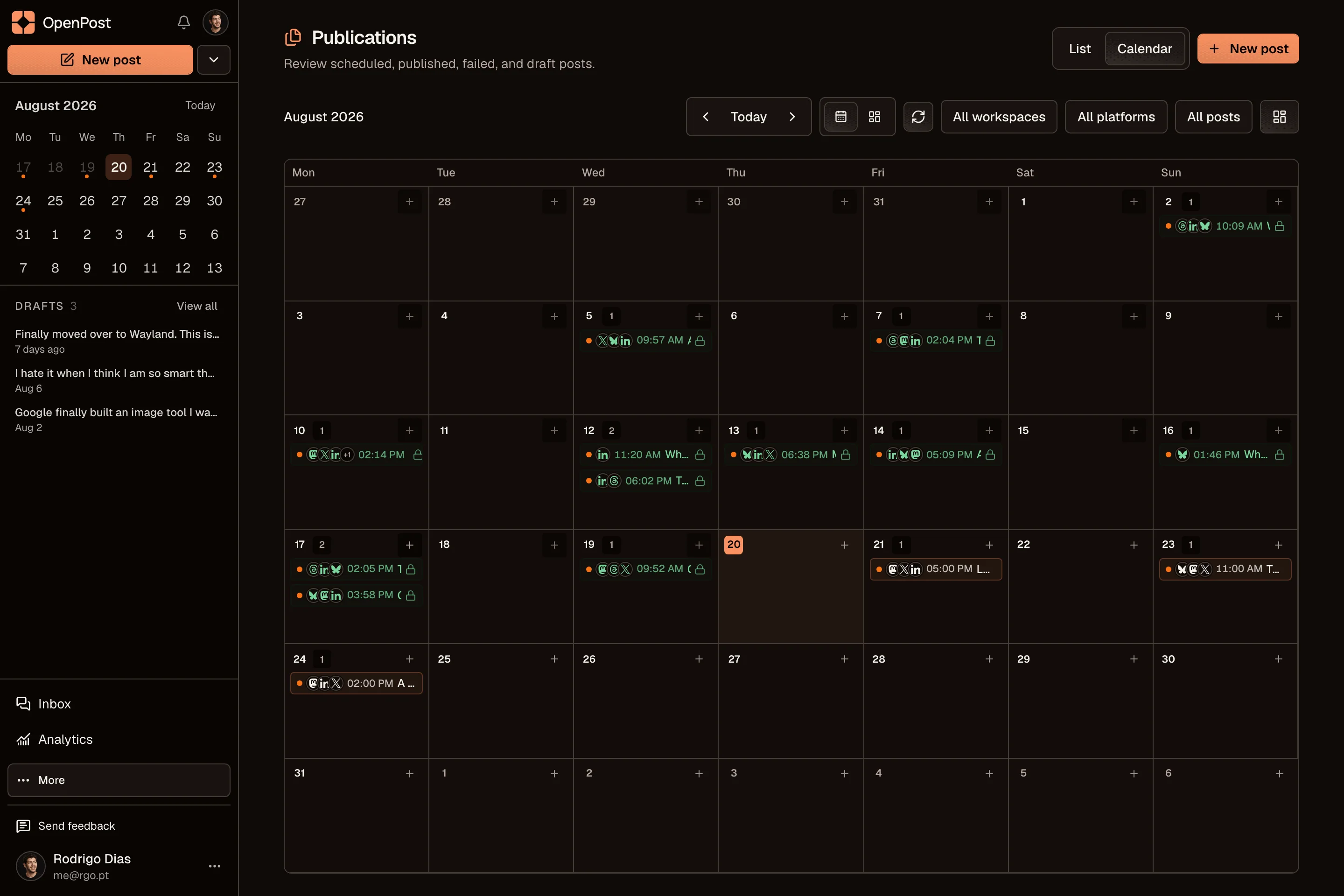
Yes. Start with one idea, select your accounts, then change the text and media for each
channel. Your drafts and planned posts stay together in one calendar.
No. OpenPost Cloud runs in your browser. You can also try the free image and video
editors before creating an account. Full video editing works best in desktop Chrome or
Edge.